Key takeaways
- Start with a verified expected-document list; a system cannot reliably infer everything missing solely from the files it already has.
- Check the relevant approved intake sources before preparing another message.
- Use explicit states (expected, received, incomplete, completed, not required, unresolved), because received does not mean completed.
- A responsible employee reviews the draft and approves sending through the intended channel.
- Check the current status immediately before sending; once a requirement is complete, reminders must stop.
01 / 08
Why does completeness require a specific expectation?
Where expectations come from. A system cannot reliably infer everything missing solely from the files it already has. Expectations come from an agreed monthly checklist, known bank account, business transaction or professionally confirmed request. Without that basis, automation can generate unnecessary or incorrect questions.
Describe each requirement. Describe each requirement with client, period, document type, owner and reason. “Bank documents missing” is vague. “August statement for the account ending 4321 is absent from the approved repository” is more useful. Notifications should expose only enough information to identify the task.
Recurring versus one-off. Separate recurring requirements from one-off questions. A monthly list may be reused, while a newly requested contract should not automatically recur. Changes to the list need an owner and date. Otherwise, reminders can continue for documents that are no longer required.
02 / 08
Which statuses separate received from completed?
Six statuses describe each expected client document and its next action:
| Status | Meaning | Next action |
|---|---|---|
| Expected | Requirement has been confirmed | Await submission |
| Received | File or answer has arrived | Check assignment and usability |
| Incomplete | Wrong period or missing page, for example | Prepare a specific question |
| Completed | Requirement has been satisfied | Stop reminders |
| Not required | Professionally exempted or resolved elsewhere | Record the reason |
| Unresolved | No reliable association is possible | Review internally |
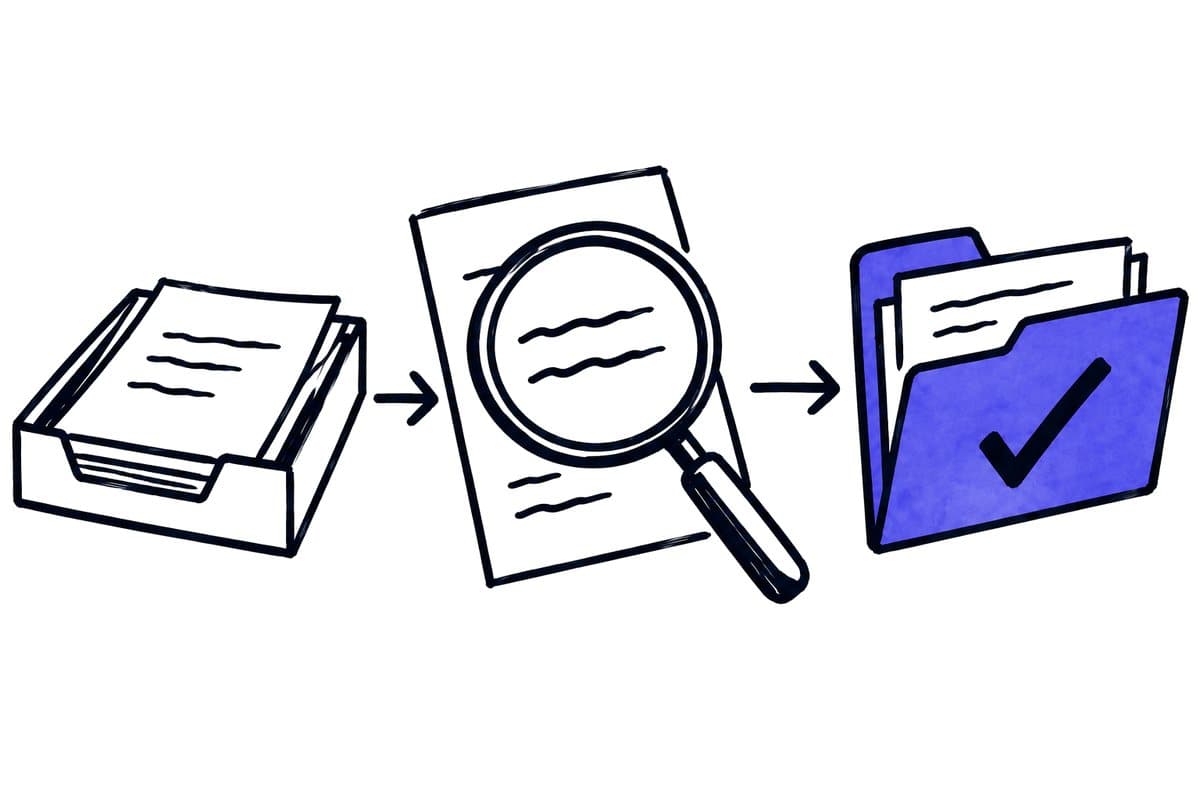
These states prevent reminders after submission and premature closure after any upload. The reviewer needs access to the original and previous conversation before marking a requirement incomplete.
A client may have supplied the material through another approved channel. Check the relevant intake sources before preparing another message. Incomplete technical synchronisation should not be presented as a failure by the client.
03 / 08
What can existing practice-management software already do?
Existing features. Document requests and reminders do not necessarily require AI. TaxDome, for example, documents requests with file uploads and configurable reminder intervals and counts. TaxDome client requests, checked on 26 September 2026. Assess equivalent functionality in the portal you already use.
Where AI helps. Additional AI is most useful when matching unstructured submissions to a requirement or summarising unresolved points across documents. Clear status rules can usually trigger the reminder itself. That keeps outbound communication independent of a free-form model decision.
The response path. Design the response path as carefully as the request. An approved upload channel directly associated with the open requirement makes matching easier. A general inbox without a case reference can create further questions even after the response has arrived.
04 / 08
Synthetic example of a monthly request
A practice expects four items for an invented client: an August bank statement, payment-provider settlement report, rent invoice and a new vehicle lease. The bank statement is complete. The settlement report accidentally covers July. The rent invoice arrived through a second approved channel. The lease is genuinely absent.
In this invented example, the four expected items compare with what arrived as follows:
| Expected item | What arrived | Request still needed? |
|---|---|---|
| August bank statement | Complete | No |
| Payment-provider settlement report | Report accidentally covers July | Yes, the August report |
| Rent invoice | Arrived through a second approved channel | No |
| New vehicle lease | Genuinely absent | Yes |
A file counter might see four uploads and close the list. Another poorly configured solution might inspect only the first channel and send three generic reminders. A useful comparison checks identity, period and business need for each requirement.
Example request for the two outstanding items
The prepared message therefore requests exactly two items: the August settlement report and the lease. It explains that July's report is already available. It does not ask again for the rent invoice or bank statement. A responsible employee reviews the draft and approves sending through the intended channel.
A possible message is: “To complete August's records, we still need the payment-provider settlement report for August; the report currently available covers July. Please also add the lease relating to the vehicle replacement. Both items are listed in your outstanding document requests.” This example deliberately contains no invented statutory deadline or threatening wording.
Got a workflow like this?
Tell me about it. Honest take and a rough price, usually within a day.
05 / 08
When should reminders pause or stop?
Agree reminder frequency and maximum attempts with the practice. A phone conversation, promised delivery or unresolved internal assignment may justify a pause. Once a requirement is complete, reminders must stop even if a message was prepared earlier.
Check the current status immediately before sending. A client can upload a file between draft preparation and scheduled delivery. Record sent messages against the requirement so that another workflow run does not send the same reminder again.
Who takes over after unanswered reminders?
After an agreed number of unanswered requests, a person takes responsibility. Automatically escalating the tone is not a useful substitute. The cause could be a technical problem, an unclear request or a document that does not exist.
Assign ownership when staff are absent. A request should belong to a role or managed queue, with a named current handler, rather than becoming invisible in one employee's private inbox. The client should have one clear route for asking questions.
06 / 08
How do you accept the workflow and measure its benefit?
Test cases. Test correct documents, wrong periods, missing pages, alternative submission channels, repeated responses and arrival immediately before sending. Include a deliberate exemption from the expected list. For every case, define the intended status and permitted communication.
Measures. Measure avoidable questions, time per completed requirement and incorrect reminders. The number of automated emails is not a benefit measure. A useful system reduces unnecessary contact and shows the practice which genuine obstacles remain.
Where to start. Begin with a clear monthly list for a defined client group. The essential operational asset is an owned, maintained requirement list rather than an elaborate prompt. When requirements and states are sound, AI can assist with matching and wording without blurring professional responsibility.
07 / 08
Take the worksheet
Worksheet
Download the editable CSV table
| Element | Example | Check |
|---|---|---|
| Client | Test client A | Stable identifier |
| Period | September 2026 | Keep periods separate |
| Expected item | Agreed bank statement | Professionally approved list |
| Received item | August statement | Does not cover September |
| Exception | Closed account | Responsible person confirms |
Columns to fill in, in the file: Your value / observation, Owner, Next action.
Download the editable CSV table (CSV). Add your own values, owners and open actions. This worksheet contains no measured client results.
08 / 08
Related decisions
These guides and service pages cover the decisions next to requesting missing client documents:
- AI document processing: capture, review and transfer
- A tax-firm document workflow: a worked example
- Automation for tax and accounting firms
- AI workflow approvals: who checks which action?
- Classify documents without forcing unknown types
For a workflow review, start with the task, systems involved and typical exceptions. Discuss it with modernagents.