Key takeaways
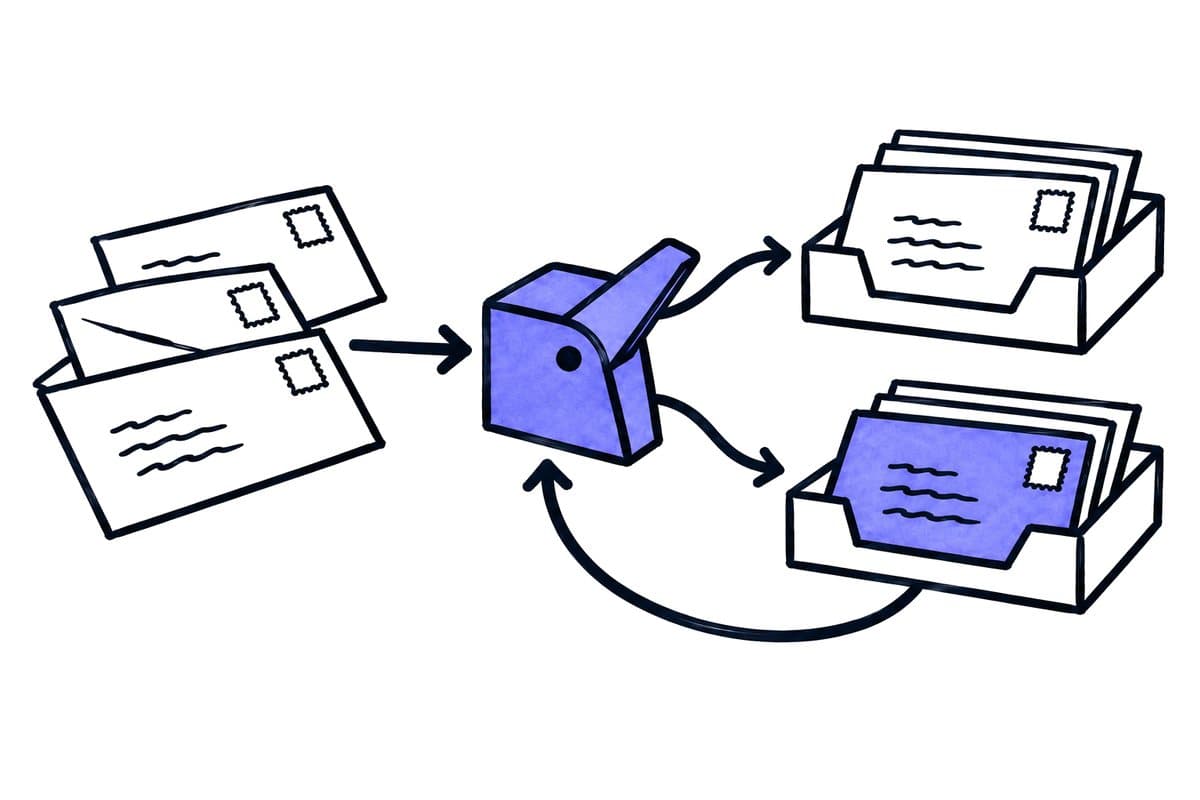
- Keep document type, transaction association and access decision separate instead of collapsing them into one AI label.
- Start with a small set of operationally distinct types and include an explicit unknown category.
- Establish whether the solution classifies a file, individual pages or complete documents within a file, and test boundaries independently.
- Count correct, incorrect and missed documents for each category; an overall success rate can conceal a weak minority category.
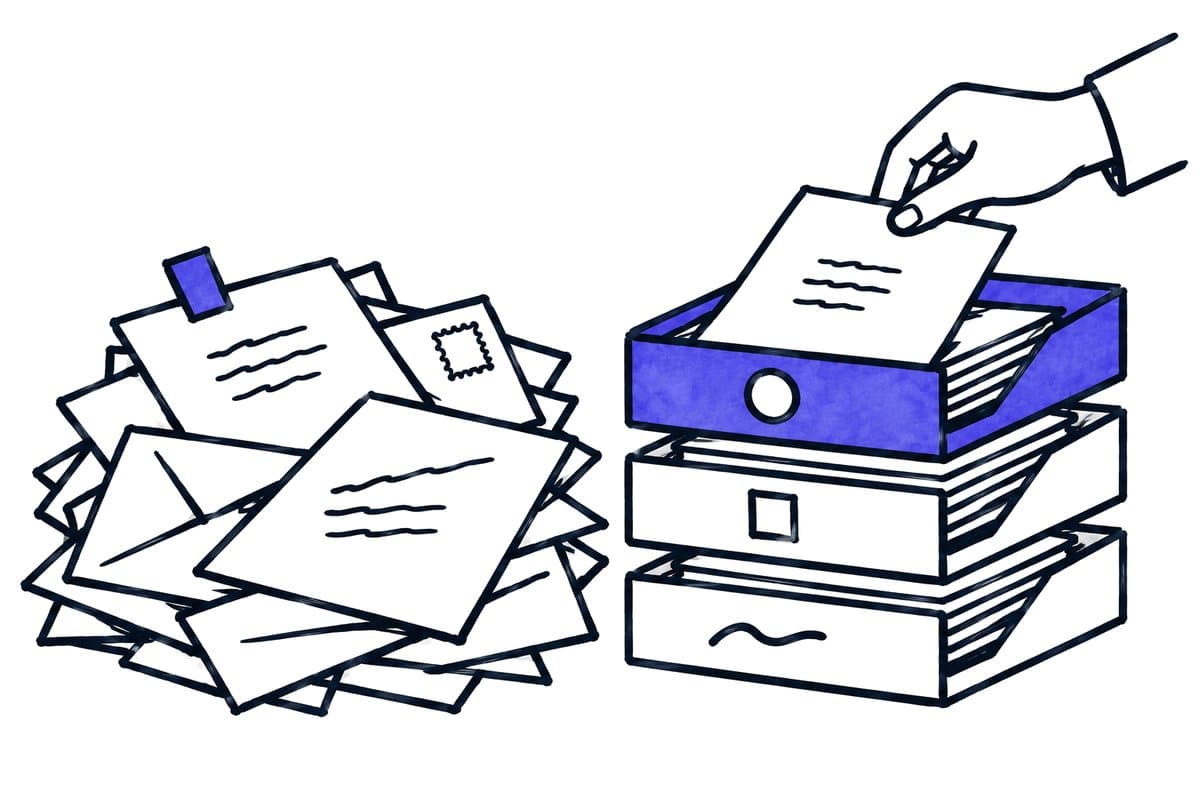
- The completed workflow should account for every document: assigned, deliberately excluded or unresolved for a visible reason.
01 / 08
Separate document type, business case and confidentiality
Three dimensions. “Invoice” is a document type. “Belongs to purchase order 471” is a transaction association. “HR only” is an access decision. Do not collapse all three into one AI label. A correctly recognised document type can still be routed to the wrong company or team.
Few distinct types. Start with a small set of operationally distinct types: invoice, credit note, delivery note, contract, correspondence and unknown. Add a category when it changes the downstream process. Two labels with identical checks, owners and retention handling may not need separate treatment.
Positive and negative examples. Describe every category with positive and negative examples. A payment reminder may resemble an invoice while referring to an existing transaction. A contract offer is not necessarily an executed agreement. The heading on the first page should not obscure these distinctions.
02 / 08
Does the AI classify files, pages or separate documents?
A product example. Microsoft documents classification using layout and language, including the return of page ranges. With Document Intelligence API version 2024-11-30, automatic splitting must be enabled explicitly with splitMode: auto; the default is none. Microsoft custom classification documentation, checked on 26 September 2026.
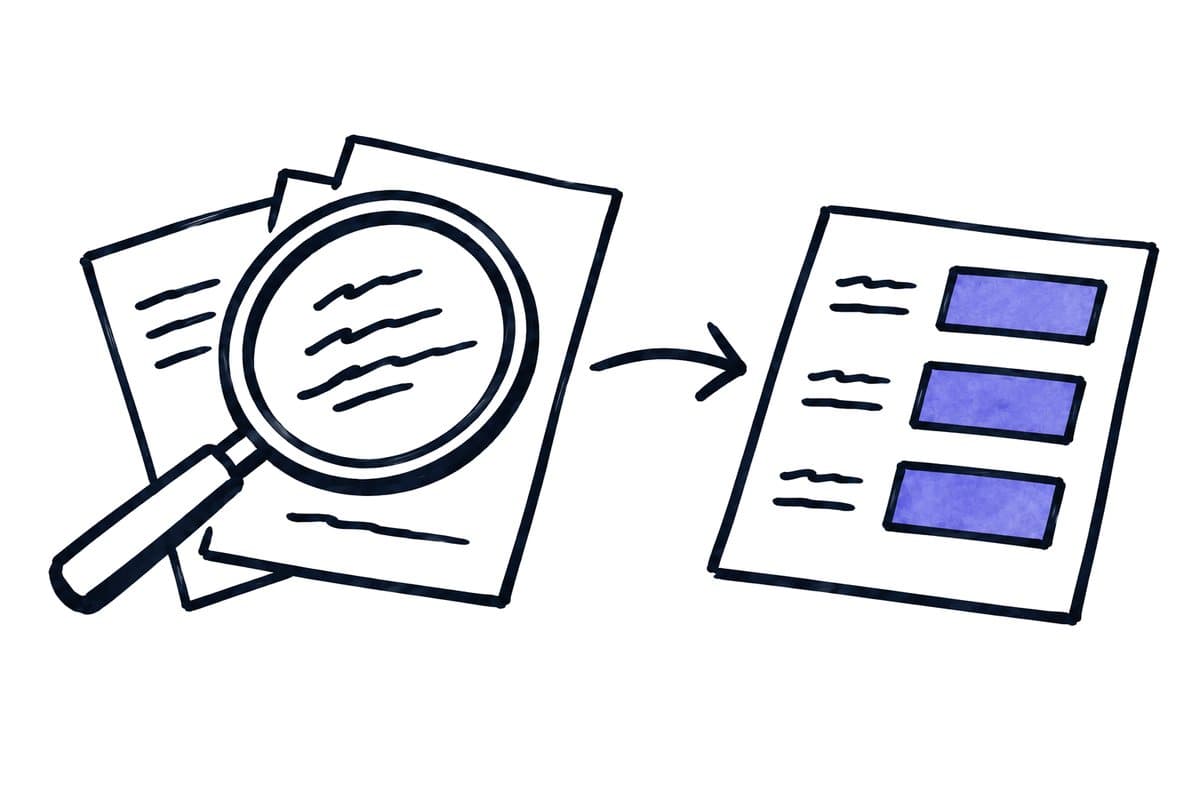
The design question. This product detail illustrates a broader design question: does the solution classify a file, individual pages or complete documents within a file? A 20-page scan might contain one invoice with supporting material or ten different invoices. The correct treatment depends on its content, not its extension.
Test boundaries separately. Test boundaries independently from category accuracy. A correctly labelled invoice is still unusable if its final page is assigned to the next transaction. Preserve the original file, page range and resulting document identifier so reviewers can reconstruct and correct a bad split.
03 / 08
What belongs in a document category catalogue?
A starting category catalogue names strong evidence, a common confusion and the next action for each document type:
| Category | Strong evidence | Common confusion | Next action |
|---|---|---|---|
| Invoice | Charge for goods or services with an amount | Reminder including a copied invoice | Extract and validate fields |
| Credit note | Correction or credit linked to an earlier transaction | Invoice containing one negative line | Check relationship to the original |
| Delivery note | Delivered items and quantities | Purchase order | Associate with receipt process |
| Contract | Agreement identifying parties and terms | Draft or amendment | Check version and applicability |
| Unknown | Insufficient evidence for one category | Unfamiliar supplier layout | Manual classification |
Treat this table as a starting point for the teams using the output. A term such as credit note can have different business meanings. Define the distinction required by the actual process and have the responsible specialist label examples.
Sender and filename are useful supporting signals, not decisive evidence. A familiar supplier can also send agreements or advertising. When channel information and document content conflict, the workflow should expose the uncertainty rather than selecting a label silently.
04 / 08
How do you test a document classifier so failures stay visible?
Separate evaluation set. Collect approved examples from different periods and sources. Keep configuration or training examples separate from an unchanged evaluation set. Include rare but consequential confusions deliberately: invoice versus reminder, agreement versus offer, or a document belonging to another company.
How is classification quality measured?
For each category, count correct assignments, incorrect assignments and missed documents. An overall success rate can conceal a weak minority category. Google documents precision and recall using labelled Document AI test documents. Google Document AI evaluation. Apply that distinction as an evaluation principle even if you use a different product.
Review workload. Operational measurement should also cover the percentage sent to manual review and how long review takes. A stricter threshold may reduce incorrect routing while creating more work. Choose the threshold using your documents and the consequences of mistakes rather than copying a number from a demonstration.
Technical failures. Treat a technical failure as a recorded outcome. A corrupt file that never reaches classification must not disappear from the denominator. The intake count should reconcile with classified, excluded and unresolved records.
Got a workflow like this?
Tell me about it. Honest take and a rough price, usually within a day.
05 / 08
Synthetic example: a mixed purchasing inbox
The evaluation set. An invented evaluation set contains 120 documents: 60 invoices, 30 delivery notes, 20 purchase orders and ten other letters. The system correctly labels 58 invoices, assigns two invoices to delivery notes and incorrectly labels one reminder as an invoice. Saying that “almost everything was recognised” would hide the additional false invoice.
The three mistakes. The reviewer examines these three mistakes. The two invoices lack a clear first-page heading; the decisive amount appears on page two. The reminder was mistaken for a new charge because it quoted an earlier invoice. The improvement is specific: analyse related pages together and treat reminders as a separate clarification case.
Regression. Repeat evaluation on unchanged examples and add fresh ones. Keep the original failures in a regression set. A case passes only when both the category and resulting action are correct. Sending an accurately labelled invoice to the wrong company's queue still fails the business test.
06 / 08
How are corrections and new document types handled?
Corrections. A manual correction should record the original label, corrected label, reason and reviewer. Do not automatically convert every correction into training data. People can also make mistakes, or their decision may reflect a new business rule rather than an extraction problem.
Unknown documents. Assign someone to review unknown documents regularly. When similar cases accumulate, decide whether a new category is needed or an existing definition is unclear. Both are business changes and should be versioned. Recheck routing and access after the change.
Start small. Begin with one intake stream and explicit next actions. The completed workflow should account for every document: assigned, deliberately excluded or unresolved for a visible reason. That completeness is more useful in daily operations than an impressive classification percentage with hidden exceptions.
07 / 08
Take the worksheet
Worksheet
Download the editable CSV table
| Test document | Expected class | Consequence |
|---|---|---|
| Invoice | Invoice | Capture draft |
| Priced quotation | Quotation | No invoice approval |
| Invoice and contract in one PDF | Mixed input | Split or review |
| Unreadable page | Unusable input | Request replacement |
| New form | Unknown | No invented classification |
Columns to fill in, in the file: Your value / observation, Owner, Next action.
Download the editable CSV table (CSV). Add your own values, owners and open actions. This worksheet contains no measured client results.
08 / 08
Related decisions
These guides and service pages cover the decisions next to AI document classification:
- AI document processing: capture, review and transfer
- Automate invoice capture without hiding field errors
- Sort an email inbox with AI and clear routing rules
- Testing AI document processing: an acceptance template
For a workflow review, start with the task, systems involved and typical exceptions. Discuss it with modernagents.