Key takeaways
- Begin with the capabilities already available in your BMD installation: document intake, OCR or Finmatics, invoice control and business approval.
- Keep technical availability and business payment approval separate in the two-stage OCR process.
- Limit the first integration to one demonstrated bottleneck so it can be compared before and after implementation.
- Obtain written confirmation of the supported transfer method and have accounting confirm the actual destination state.
01 / 10
What do BMD and Finmatics already cover?
Vendor description. BMD describes Finmatics integration with functions including preliminary entries, incoming invoice control and bank statement processing. The documented workflow covers document recognition, proposed accounting information and a return to the familiar environment for review. These are vendor descriptions, not measured outcomes for your practice. BMD on its Finmatics integration, checked on 26 September 2026.
Inventory. Inventory the enabled modules, clients, intake methods and settings. “We use BMD” does not establish whether a particular process is configured or available for a specific client. A useful discovery discussion therefore starts with an actual document in the existing system.
Three options. Compare three options: improve configuration, add an existing module or introduce an external workflow. An additional system can be worthwhile, but it needs an explicit task. If two systems independently read the same amount and store different values, someone must decide which reviewed value is authoritative.
02 / 10
How does two-stage OCR processing work in BMD?
What Finmatics documents. Finmatics documents a two-stage OCR process in BMD. Initial recognition provides document information and a partially processed state; Finmatics then adds further information in the background. The documentation explains that the document can already be available for payment during the first stage. Finmatics: two-stage OCR in BMD, page dated 26 January 2026.
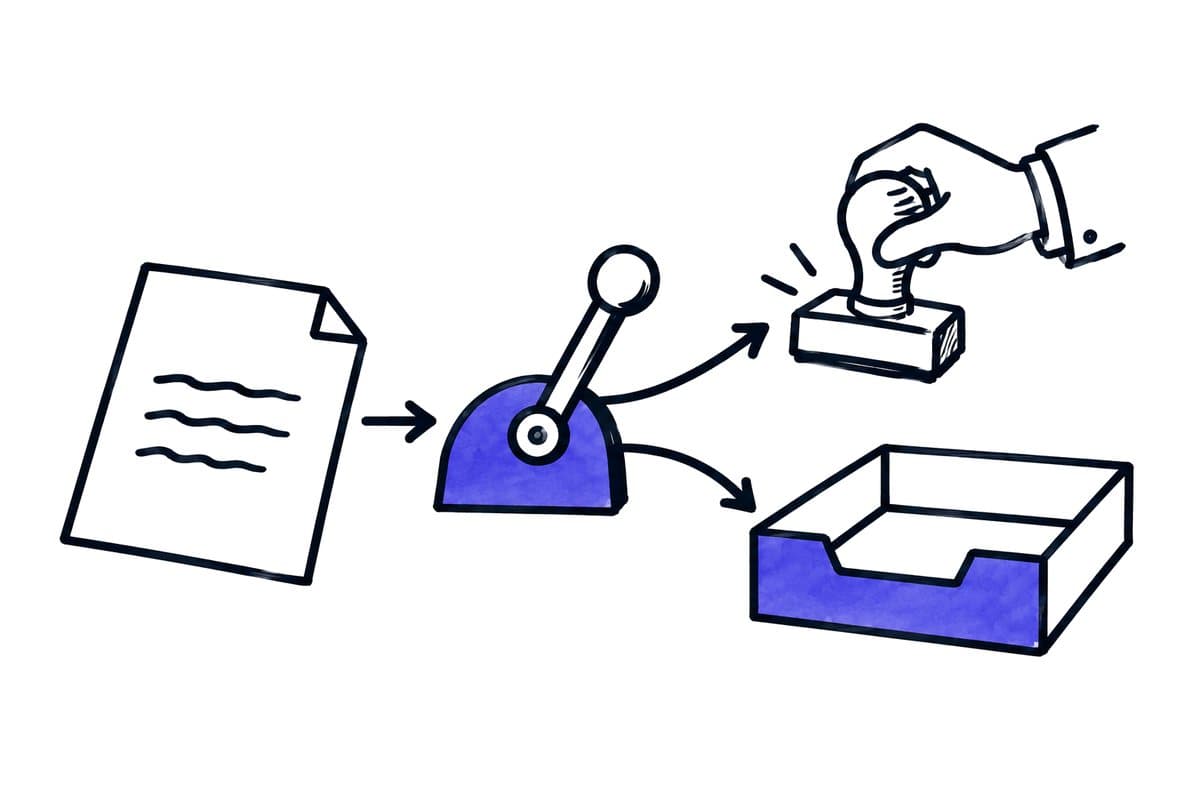
Availability is not approval. For workflow design, technical availability and business payment approval must remain separate. Define the checks required before payment and the person who confirms them. A state that enables early processing should not automatically be interpreted as a completed accounting decision.
Questions for the support partner. Ask your support partner which variant is configured, when each field becomes available and how later enrichment is shown. Test a normal document and a case where initial recognition appears plausible but subsequent review reveals a discrepancy. The appropriate configuration depends on your payment and control process.
Involve the payment authorisers. This discussion should include the people who authorise payments. They need to know exactly what “partially processed” means in their working view and which evidence they must inspect. A faster payment proposal is useful only when its review responsibilities are understood.
03 / 10
Where can an external workflow add value around BMD?
An external workflow can add the following around existing BMD processing, each with a responsibility that stays separate:
| Observed problem | Possible addition | Responsibility kept separate |
|---|---|---|
| Documents arrive through several mailboxes | Consolidated intake with provenance and assignment | Accounting processing in BMD |
| One attachment contains multiple transactions | Preliminary document-boundary checks | Confirmed splitting and completeness |
| Clients submit incomplete records | Expected-document list and draft request | Accountant confirms the actual gap |
| Client identity is ambiguous | Review queue with suggested assignment | No unrestricted model assignment |
| Other teams cannot see progress | Readable task overview | BMD remains authoritative for posting status |
Limit the first integration to one demonstrated bottleneck. A general “AI assistant for all accounting” changes capture, tax classification, communication and payments simultaneously, making acceptance difficult. A bounded task can be compared before and after implementation.
Also define what the extension should leave alone. For example, a collection workflow may gather attachments and record their source without choosing ledger accounts. Clear responsibility reduces the chance that a seemingly helpful pre-processing step overrides an established accounting control.
04 / 10
Synthetic example: intake for one client
The volume. An Austrian accounting practice receives 240 files a month for a client. In this invented example, they comprise 210 invoices, 15 supporting attachments, ten repeated submissions and five unclear documents. File count is therefore not a useful measure of completed invoices.
Intake. Intake records the file, sender, arrival time and client identifier. Repeated files are connected to the existing case. Unclear documents go to a separate queue. Approved invoices continue through the confirmed BMD process, while supporting attachments remain connected to their transaction. The practice reviews recognition and accounting proposals within its established environment.
Unclear documents. For the five unclear documents, the extension creates a task list with source links and specific questions. It does not immediately send a generic reminder to the client. An accountant first decides whether information is missing, incorrectly assigned or unnecessary. The extension therefore addresses the search and clarification work surrounding the accounting system.
Expected outcome. This example should be recreated with approved test documents before launch. The expected outcome is 210 invoice cases, properly connected attachments and a visible explanation for the remaining files. It is not 240 green automation runs.
05 / 10
How do you test and operate a BMD extension?
Accept the BMD connection with real destination checks
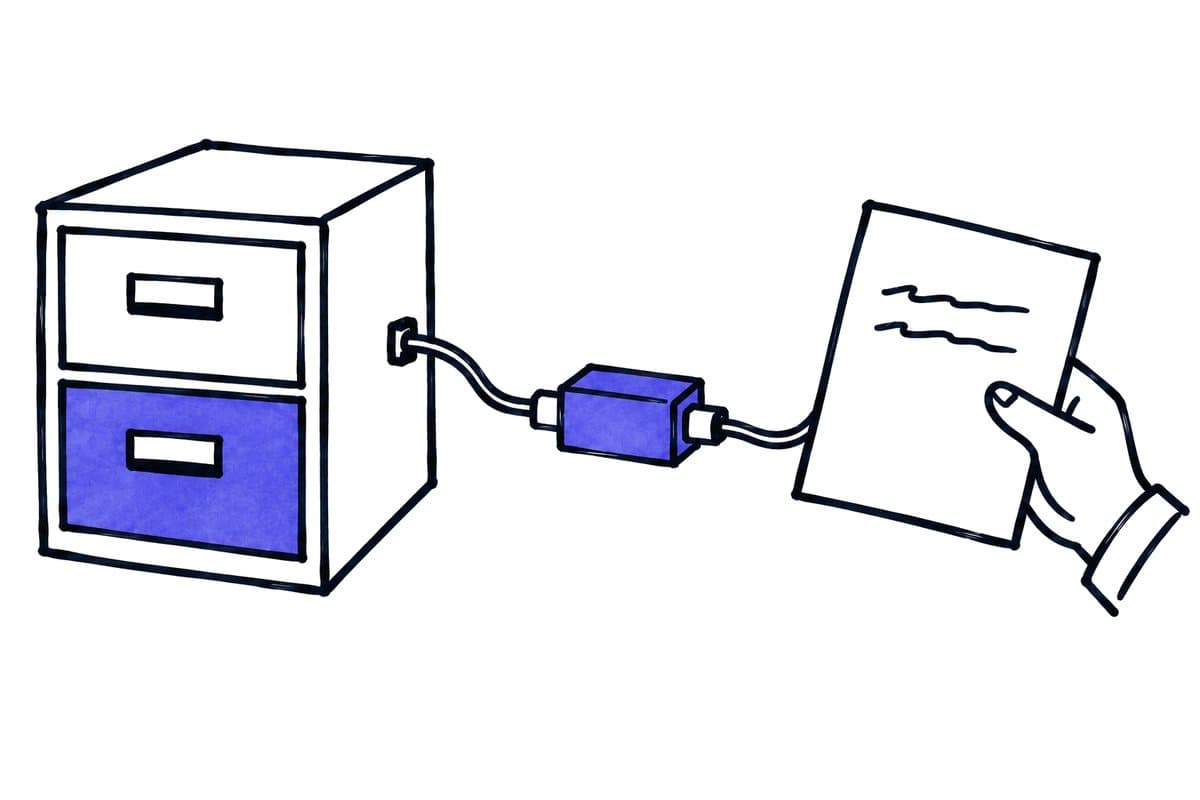
Written confirmation. Obtain written confirmation of the supported transfer method. Record version, module, required licence, client mapping, accepted data and acknowledgement behaviour. A CSV export or saved file can be part of the process but does not prove successful processing in the target module.
Test cases. Test an unknown client identifier, duplicate, multipage document, credit note, missing reference and interrupted connection. For every case, establish where the original is retained, who corrects the problem and how processing resumes without creating a second record. Have accounting confirm the actual destination state.
Access and rejections. Credentials and technical access need a named owner. An extension should reach only the documents and client environments it requires. Rejections must also be visible: a growing queue of rejected documents is not successful automation even if technical submission works.
Configuration changes. Include configuration changes in the operating agreement. When a module, field mapping or credential changes, rerun the small acceptance set. Keep a known working configuration and a documented way to pause intake while a failed connection is resolved.
Demonstrate three failure cases
Wrong client: a shared intake contains an ambiguous company name. The workflow holds assignment and shows candidates with the source. Only the confirmed identifier proceeds. Acceptance also verifies that another client cannot access the document.
Partially processed document: initial information is available while later enrichment remains pending. The review screen shows which data exists and which checks remain. An intermediate technical state must not bypass the agreed approval process. Test the time between stages as well as the final result.
Uncertain handoff: submission occurs but acknowledgement is lost. Reconcile the destination before resending. Connect any manual processing to the original case. The acceptance criterion is one traceable transaction, not a high number of technically successful repeats.
Compare in parallel without creating conflicting records
Run an approved test set against the existing process without allowing both paths to write final production results unchecked. A shadow run can produce suggestions while the established process remains authoritative. Review differences against the same originals.
Choose the authoritative result in advance. Two systems independently creating final records turn a comparison into a duplicate risk. Make corrections in one clearly identified workspace, with other views reflecting the confirmed state.
Finish with a list of observed differences, resolved configuration issues and remaining limitations. A manual route can be appropriate for an unresolved special case, but the limitation must remain visible in the handover record.
Provide usable operational documentation
Document connection scope, approved settings, contacts and typical failures. For each failure, explain whether to retry, correct business data or inspect the destination first. Include recovery of documents received during an outage.
The practice should be able to continue the process after a change of staff. Test the guide with another authorised employee. They should be able to find an open task, open the original, identify the cause and select the permitted next action. This practical handover test is more useful than technical documentation that does not explain daily work.
Got a workflow like this?
Tell me about it. Honest take and a rough price, usually within a day.
06 / 10
Map the existing BMD process systematically
Follow one document. Follow one document with someone who handles it daily. Record intake, splitting, client assignment, recognition, review, coding, approval and the next destination state. Mark whether each step is manual, rule-based or performed by an existing AI component.
Handoffs. For every handoff, identify the application and responsible role. This reveals where work actually stalls. A delay can come from missing approval even though extraction is already complete. Another model would not address it; a clearly assigned task might.
A difficult document. Include a difficult document. Observe how a missing page or wrong client is corrected and whether the initial submission remains traceable. The proposed design should preserve that professional evidence and justify its additional technical complexity.
07 / 10
Define an internal preparation mapping
The following is a planning model, not a BMD import schema. It shows which decisions are needed before an interface is implemented. Map its meaning to actual technical fields with the support partner.
| Internal information | Source | Decision before handoff |
|---|---|---|
| Client | Approved intake or confirmed assignment | Valid destination identifier |
| Document type | Content and business rule | Invoice, credit note or review case |
| Invoice date | Original location | Do not substitute arrival time |
| Description | Original or labelled proposal | Adequate business meaning |
| Amount and currency | Extraction and check calculation | Differences resolved |
| Account coding | Existing proposal and professional review | Clear decision owner |
| Approval | Authorised decision | Current version confirmed |
Check which fields an extension really needs. An intake-only service does not need account coding. Narrowing scope reduces the number of states that must stay consistent across systems, particularly during corrections and upgrades.
08 / 10
How do you compare effort and benefit of a BMD extension?
Cost items. Calculate licence changes, implementation, training, review time and ongoing support separately. A generic BMD price says little without the module and client scope. Request a quotation for the described document path and explicitly compare it with better use of existing functions.
Measures. Useful measures are minutes per completed document, clarification requests per client, unresolved handoffs and time to business approval. Knowing how often the system recognises information correctly helps you assess the result, but it does not tell you how the whole process performed. Capture the same measures before implementation and during a pilot, including difficult cases.
Allocation of responsibility. Finish planning with a concise allocation of responsibility: what remains in BMD, what the extension handles, what the practice approves and who operates the connection. This turns the next demonstration into a testable proposal and lets the business judge the project by actual administrative work removed.
How we scope, test and trial such an extension workflow with tax firms is described on our page on AI automation for tax firms.
09 / 10
Worksheets for your acceptance test
Worksheet
Download the acceptance worksheet
| Case | Expected |
|---|---|
| Native capture sufficient | No extra pipeline |
| Unknown reference | Professional review |
| Rejected import | Source and error retained |
Columns to fill in, in the file: Observed, Owner.
10 / 10
Related decisions
These guides and service pages cover the decisions next to a BMD document workflow: