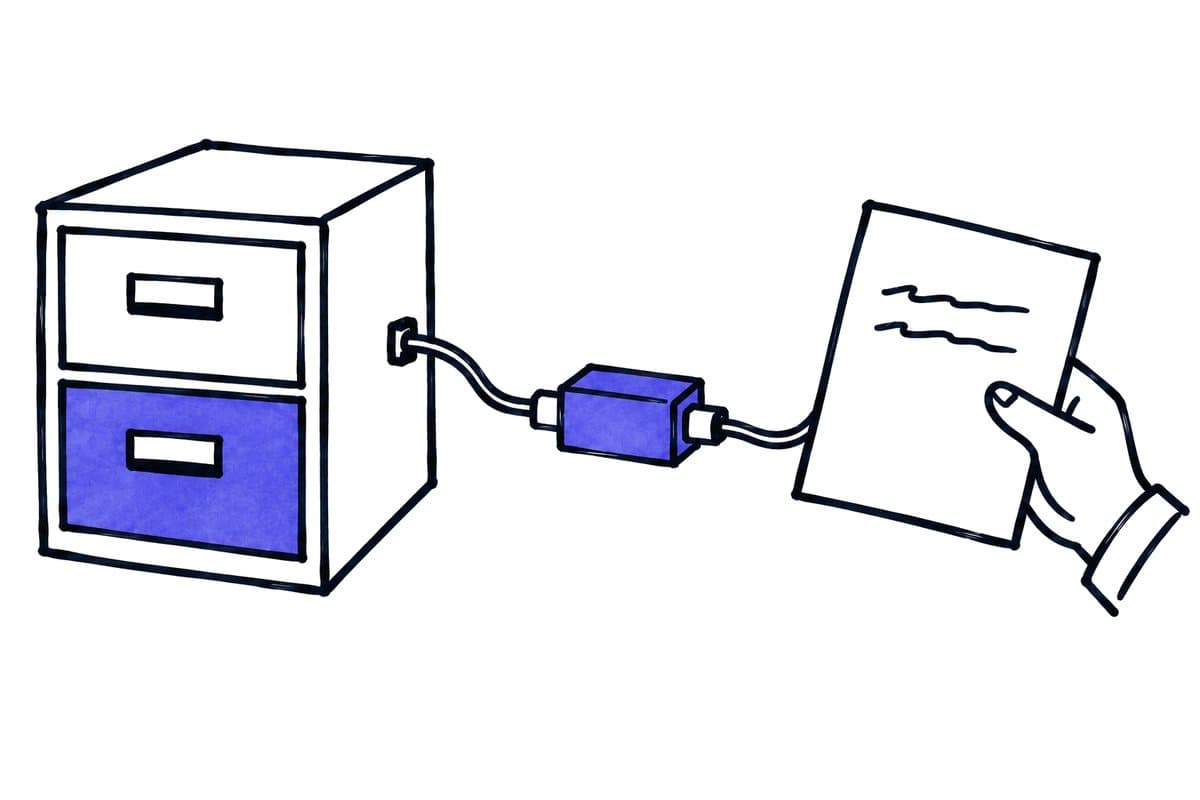
For an initial project, use one direction and one authoritative destination for the business outcome. n8n coordinates the process; accounting logic, tax decisions and binding approvals remain with the appropriate specialist system and people. This guide is an integration plan, not a claim that a ready-made product connection has been tested. Sources were checked on 26 September 2026.
Key takeaways
The main points for connecting n8n to an ERP system are:
- The article describes three routes between an ERP and a workflow: a documented API, an approved file import or export, and a vendor or partner adapter.
- n8n coordinates the process; accounting logic, tax decisions and binding approvals remain with the appropriate specialist system and people.
- After a timeout, repeat a write only after its state has been clarified through a reference, status query or agreed review process.
01 / 11
Which three routes connect an ERP to an n8n workflow?
A documented API supports defined reading or writing operations. You need approved access and must understand its data model, permissions, versions and error responses. Permission to read contacts does not automatically authorise creating or posting invoices.
An approved file import or export may be more appropriate when the specialist application processes controlled batches. Specify the format, character encoding, field lengths, file naming and import results. Successfully placing a CSV file in a folder does not establish that its records were accepted.
A vendor or partner adapter may be necessary where the supplier requires a managed integration route or the installation needs particular modules. Include the adapter operator in the responsibility chain. Establish who assesses software changes, investigates failures and approves a new version.
Starting question. Start with a straightforward question: which route is officially intended for this exact data type and action? Only then decide which n8n nodes should coordinate the exchange.
02 / 11
Can n8n connect to DATEV, BMD and bexio?
Whether n8n can connect to DATEV, BMD or bexio depends on the specific official interface; the table shows the official starting point for each system and what to confirm before quoting.
| System | Official starting point | Confirm before quoting |
|---|---|---|
| DATEV | Data services and defined integration routes | Appropriate service, approvals, partner route and actual return channel |
| BMD | Technical documentation and exchange formats | Product, module, version, installed interface and permitted operation |
| bexio | Public API documentation with authentication and resources | App access, scopes, object operation and account conditions |
DATEV. DATEV describes data services for exchanging structured information and documents between connected applications and its environment. Information for interface providers refers to requirements and managed integration arrangements. This does not establish a universal direct n8n connection to every DATEV product. DATEV data services, DATEV interface providers.
BMD. BMD publishes technical documentation and exchange-format examples. Which ones are usable in a particular business depends on its product and installation. A documentation page does not prove that the same interface is enabled in a specific customer environment. BMD technical documentation.
bexio. bexio provides official API documentation. Authentication, required permissions and the intended object operation still need to align. A contact API is not proof that an entire invoicing process can be automated. bexio API.
Across the three systems. For European projects, these distinctions matter more than a generic list of supposedly supported ERP systems. A product name alone says nothing about account tier, permissions, legal entity or the business completion of a transfer.
03 / 11
What belongs in the data contract?
Shared specification. Before implementation, agree a contract between source and destination. This is not a legal document: it is a shared specification of the exchange. Define identifiers, required fields, permitted changes and responsible people for each data type.
Example rules. A contact may need rules such as: preserve the external ID, take the company name from the approved source, change an existing billing address only after business approval, and never automatically reactivate blocked records. Documents also require the relevant entity, document type, currency, document reference and allowed processing state.
Tax codes and posting keys. Do not guess the meaning of tax codes or posting keys from similar field labels. A field named “tax” might mean an amount, rate, category or internal identifier. Have the responsible finance team determine the mapping and confirm it using approved examples. n8n should then execute that decision rather than reinterpret it.
Excluded information. Also specify which information is excluded. Internal conversation notes and complete email threads do not automatically belong in a master-data exchange. A smaller record is easier to inspect, correct and trace across systems.
04 / 11
Why keep entities and numbering schemes separate?
Entities. In a group with several companies, the same customer number may exist in different entities. The identifier may therefore need both an entity reference and a record ID. Searching for 10024 alone could find the right number in the wrong business.
Document numbers. A document number is not necessarily the same as a technical document ID. Define which system assigns numbers and when they become binding. The workflow should not invent its own numbering scheme when the destination controls numbering. A separate integration reference can identify a temporary case and later be linked to the final destination ID.
Amounts and currencies. Amounts and currencies also require clear formatting and rounding rules. EUR and CHF values must not be treated as equivalent merely because their numbers match. Reconcile totals against the expected business values without pretending that a technical check establishes the correct tax treatment. Return discrepancies or route them for approval.
05 / 11
Synthetic example: transfer an approved document package
Assumptions. A service company wants to transfer already reviewed incoming documents to its specialist system. This example is synthetic. It assumes that the vendor has confirmed an appropriate import or API route for the installation. It does not claim a particular DATEV, BMD or bexio operation is available.
Validation. For case DOC-7031, the source supplies a unique reference, legal entity, document, approved metadata and the identity or reference of the business approval. n8n validates required information, file readability and the intended destination. If the entity is missing or the approved version no longer matches the document, transfer stops.
Transfer and acknowledgement. The workflow then prepares a package in the agreed format. Before sending it, it records which package version will be transferred under which integration reference. The API call or file import produces an acknowledgement. Store this as received, not automatically as posted.
Actual status. A subsequent status response or business check establishes what actually happened. If a required field was rejected, the case remains open. If the document was imported but still awaits approval, the work list shows that intermediate state. Investigate missing responses after an agreed interval.
Corrections. If a correction is needed later, create a traceable new version or use the correction procedure required by the specialist system. Deleting and recreating a document that has already taken effect is not a universal technical repair strategy. The appropriate business procedure and responsible person determine what is permitted.
Got a workflow like this?
Tell me about it. Honest take and a rough price, usually within a day.
06 / 11
How do you handle retries and partial failures?
Timeouts. A timeout after transmission is particularly difficult: the destination may already have accepted the data. Repeat a write only after its state has been clarified through a reference, status query or agreed review process. If the interface offers duplicate protection, check its precise scope and validity period.
Batches. In a batch of 100 records, some may succeed and others fail. Recovery needs to identify the unfinished records. Reimporting all 100 is appropriate only when the destination is explicitly designed for that behaviour. “File processed” is too broad an outcome when individual rows may have been rejected.
Separate failures into meaningful categories:
- expired access
- invalid format
- uncertain matching
- blocked record
- temporarily unavailable destination
- unknown transfer status
Each category needs an owner and a retry decision. Applying the same automatic retry to every failure can multiply errors.
Investigation context. Preserve enough technical context to investigate without replicating full financial documents into every log. Useful identifiers include the case, package version, destination reference and error category. Access to the underlying document should remain controlled through its proper storage location.
07 / 11
Why start with a read-only reconciliation?
Read-only comparison. The first run should often establish which records differ. Compare a bounded dataset without changing it immediately. Produce a list of reliable matches, missing records and conflicts. This reveals whether the assumed data quality is sufficient for automation.
First writes. Next, test a few explicitly approved writes in a suitable test environment or a procedure approved by the operator. If no such environment exists, acknowledge that limitation in the project design. Production postings are not neutral improvised test data.
Cutover. When switching systems, define where the changeover starts and ends, which single process governs the work, and how to handle changes that arrive during the switch. The old and new paths must not silently perform the same action. Reconcile record counts and unresolved exceptions before disabling the previous process.
Pause decision. Include a pause decision in the rollout. If reconciliation reveals missing or misassigned records, the team should know whether to stop new transfers, continue read-only checks or revert to the previous handling route. Do not improvise this decision while operational work is accumulating.
08 / 11
Which operating responsibilities and costs should you agree?
Ongoing effort and costs. A custom ERP connection needs attention after its first successful execution. Budget for business coordination, test data, vendor access, possible adapter charges and format changes as well as implementation and hosting. A small amount of API work can still require substantial business clarification.
Vendor changes. Assign responsibility for reviewing vendor announcements and testing interface changes. Document at least the product version, operations used, field contract, permissions, recovery points and contacts. Keep credentials in suitable secret storage rather than example files or screenshots.
Success measures. The success measure is not the number of files moved automatically. More useful measures include fully assigned cases, unresolved import failures, uncertain transfers and the time until business processing can continue. These indicate whether work has been reduced or merely moved elsewhere.
09 / 11
Which questions must be resolved before approving the project?
Before approval. Confirm the exact official access route, which information may be read or written and how a successful business outcome will be recognised. Ask about testing, version changes, partial failures, separation of legal entities and retries after an uncertain result.
Acceptance should include these cases:
- duplicate references
- the wrong entity
- missing required values
- blocked master data
- an unexpected currency
- a partially rejected batch
- a timeout after possible acceptance
Expand only when these situations can be handled reliably. A suitable next step requires an anonymised representative case, the official interface description and a discussion with the person responsible for the business outcome.
Field-contract versions. Keep a version history of the field contract. Record when a changed mapping takes effect and which pending packages still follow the previous rule. If a new mandatory field is introduced, do not silently invent replacement values for older queued records. The business owner decides whether correction or an explicit transition rule is appropriate.
10 / 11
Take the worksheet
Worksheet
Download the editable CSV table
| Question | Required answer | Consequence |
|---|---|---|
| Operation | Read, draft or committed change? | Correct authority |
| Interface | API, import or partner service? | Supported path |
| References | Customers, items, cost centres? | No invented keys |
| Transaction | Partial-failure behaviour? | Reconciliation |
| Version | Product and module versions? | Recheck changes |
Columns to fill in, in the file: Your value / observation, Owner, Next action.
Download the editable CSV table (CSV). Add your own values, owners and open actions. This worksheet contains no measured client results.
11 / 11
Related decisions
These pages cover the service overview and the related decisions for n8n and ERP interfaces:
- n8n implementation and workflow operations
- Connect n8n to APIs and webhooks with a clear contract
- n8n retries without duplicate business actions
- BMD and AI: existing features and useful additional workflows
- Plan a DATEV document workflow around the right transfer
- Automate bexio document intake and review
For a workflow review, start with the task, systems involved and typical exceptions. Discuss it with modernagents.