This guide covers inbound business calls and their connection to Teams. Official sources were checked on 26 September 2026. The examples describe proposed architectures and acceptance criteria; they do not claim that your particular Microsoft tenant and supplier combination has already been tested.
Key takeaways
The main points for connecting an AI phone assistant to Microsoft Teams are:
- The article compares three architectures: an external assistant before Teams, AI only on overflow or outside staffed hours, and a voice-agent channel available for the particular Microsoft stack.
- At the research date (26 September 2026), Microsoft's Copilot Studio integration with Teams Phone Agent is explicitly a gated preview requiring tenant enablement.
- A Teams chat integration is not a voice connection, and a request needing action also requires ownership, status and a traceable completion.
01 / 13
What is the difference between Copilot, Teams telephony and a voice agent?
Copilot assistance. Copilot can support people during telephone calls, including through summaries. Microsoft's documentation for Copilot on Teams phones describes that assistance. It does not mean an organisation's public number is automatically answered by an autonomous AI receptionist.
Call distribution. Conventional auto attendants and call queues organise call distribution. They can be part of the route to an employee without being a conversational AI agent. Microsoft's auto-attendant overview is the appropriate reference for that layer.
Autonomous voice agents. Voice agents and their telephone channels form another category. Check which functions are generally available, which are preview and which are enabled in your tenant. Labels such as “Copilot integrated” or “Teams compatible” do not describe those distinctions adequately.
The table matches four desired outcomes with the capability to verify and the evidence that is insufficient.
| Desired outcome | Capability to verify | Insufficient evidence |
|---|---|---|
| Employee receives a call summary | Copilot in the actual licence and device scenario | General Teams subscription |
| Caller reaches a department | Teams telephony and configured destination | Visible presence indicator |
| AI answers a customer autonomously | Suitable voice agent and telephone channel | Meeting summary feature |
| AI creates callback work | Approved destination and write integration | Teams message without an owner |
02 / 13
Is the Copilot Studio integration with Teams Phone Agent generally available?
Preview status. At the research date, Microsoft's Copilot Studio integration with Teams Phone Agent is explicitly a gated preview requiring tenant enablement. The documentation specifies additional prerequisites and restrictions, including supported voice-agent types. It should not be sold as a standard function that any organisation can simply switch on.
Availability in your tenant. Ask to see availability in the intended tenant before planning a launch date or budget around it. Recheck the documentation immediately before implementation because preview features and conditions can change.
Region. Region is another concrete requirement. The country associated with a Microsoft tenant and a supported Copilot Studio environment region are not the same property. Assess data requirements, technical availability and latency together. A successful demonstration in a partner's environment does not establish the same entitlement or enablement in yours.
Documented dependency. Document whether the proposed production service depends on any preview feature. That makes the dependency visible to the person approving the operating model and prevents an optional experiment from becoming an undocumented critical component.
03 / 13
What should you record about the existing Teams telephone service?
Current route. Record how public calls currently enter Teams. Document the telephone provider, numbers, PSTN connection, licences, resource accounts and existing auto attendants or queues. Have the Teams administrator confirm the inventory.
Destination. Then choose the destination the assistant must reach. A personal number, departmental queue and external mobile number are different targets. They affect availability, cover during absence, caller ID and unanswered-call behaviour.
Chat is not voice. A Teams chat integration is not a voice connection. An assistant may post a message without being able to connect an incoming customer to a Teams user. Verify these functions separately and specify which ones the proposed service must include.
Ownership of each layer. Also identify who owns each configuration layer. A carrier partner may control telephone connectivity while internal IT controls Teams and another supplier operates the AI. The caller experiences one service, so incident ownership cannot be left fragmented between those suppliers.
04 / 13
Which three architectures connect an AI assistant to Teams?
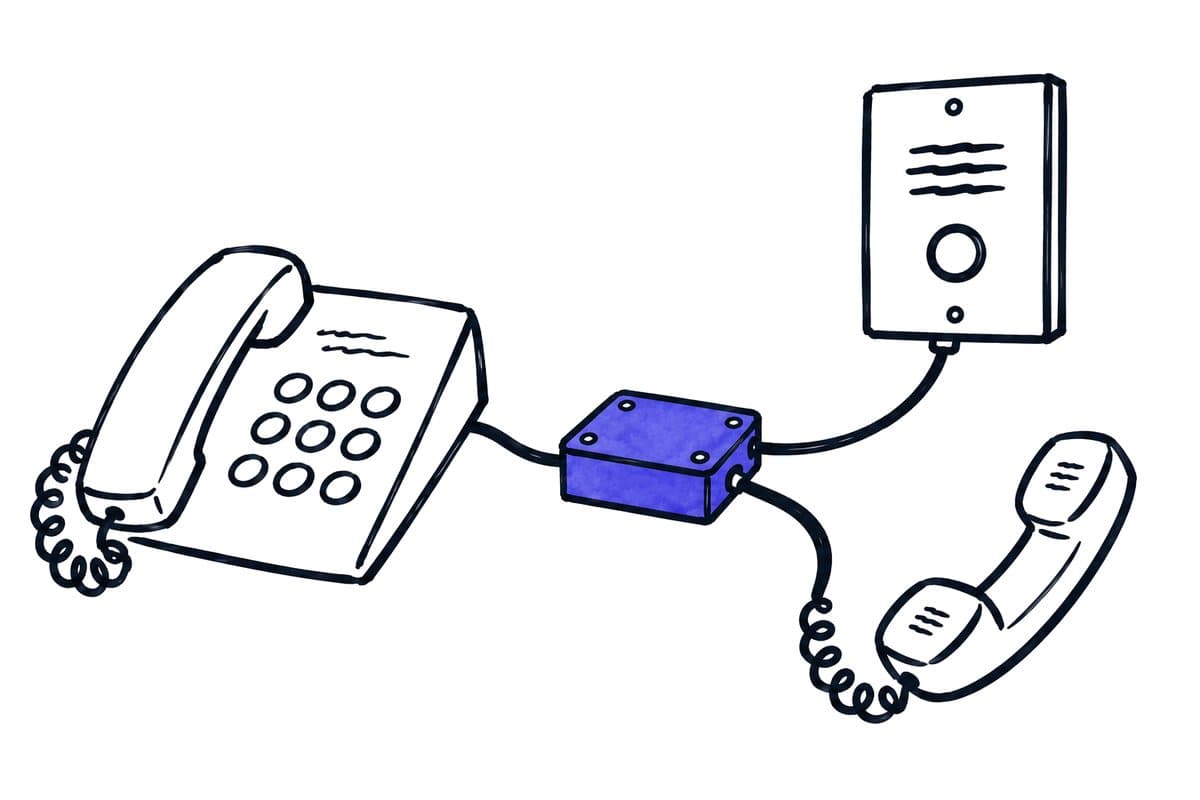
Option 1: external assistant before Teams. The first option places an external assistant before Teams. It answers the public enquiry and transfers selected calls to an approved Teams telephone destination. Check the return path, telephone charges and context delivery particularly carefully.
Option 2: AI on overflow or outside staffed hours. The second retains the existing Teams answering process and introduces AI only on overflow or outside staffed hours. This may preserve familiar distribution rules. However, a return transfer must not trigger the same overflow rule and send the caller back to the assistant.
Option 3: voice-agent channel in the Microsoft stack. The third uses a voice-agent channel available for the particular Microsoft stack. Where this involves preview functionality, its status, restrictions and enablement belong explicitly in the decision. None of the three options is automatically simpler or more reliable because of the manufacturer's name.
The table lists six design questions that apply to each of the three architectures and the evidence each one requires.
| Design question | Evidence required |
|---|---|
| First answer | Application receiving the public call |
| Routing responsibility | Owner of destination and opening-hours decisions |
| Handover | Supported route into Teams |
| Context | When the recipient sees confirmed information |
| No answer | Application responsible for the next action |
| Complete outage | Independent telephone alternative |
05 / 13
Worked example: AI before a service queue
Scope. A business wants to answer common status questions and pass complex issues to its Teams service team. The assistant may give approved information, collect an order reference and create a callback. It may not promise changes to a contract.
Transfer with context. When the caller requests a person, it attempts the agreed Teams queue. A short context summary is supplied: the request, confirmed reference, question already answered and unresolved issue. The employee can distinguish what the caller said from what a connected system verified.
No answer. If nobody answers, the process follows its defined alternative. A task receives an owner and valid time reference. The caller is told that no employee was reached. A “available” presence indicator is not treated as proof that someone will accept this particular call.
Variations. Repeat the scenario with the department closed and with withheld caller ID. These variations show whether contact information is collected adequately and whether scheduling rules work outside a prepared demonstration.
Staff check. Also ask the service employee to process the record without an explanation from the implementation team. If the employee cannot see what has already happened, the integration needs a clearer outcome model even if the call transfer itself succeeds.
06 / 13
Where should call context and follow-up work live?
Working location. A Teams message is initially just a message. A request needing action also requires ownership, status and a traceable completion. That may belong in a CRM, ticketing system or designated task application. Choose the working location through the process rather than the easiest available notification connector.
Sensitive content. Avoid posting sensitive conversation content into a broadly accessible channel. A notification linking to a restricted work item can be more suitable than the full transcript. Verify that the intended recipients can open the link and find the information they need.
Summary structure. Keep the summary concise and structured: caller statement, verified system information, unresolved question and next action. “Caller reports a missing delivery” is not a verified conclusion that an order has been lost. Maintaining that distinction prevents an AI summary from becoming misleading operational evidence.
Timing. The timing of context matters too. A message sent after the call ends may support documentation but does not help a live recipient avoid repeating questions. Specify whether context is needed before, during or after transfer and demonstrate that exact timing.
Got a workflow like this?
Tell me about it. Honest take and a rough price, usually within a day.
07 / 13
Which permissions and identity checks are needed?
Permissions. Assess telephone access, calendar access and CRM write permissions separately. An assistant does not automatically need broad Microsoft 365 access merely because one action involves Teams. Have the administrator compare requested permissions with the specific task.
Identity. Caller numbers can assist lookup but are not sufficient authorisation credentials. Disclosing private account details or changing existing records needs an appropriate verification process. A public telephone caller and an authenticated internal Teams user are different identity contexts.
Staff changes. Test staff changes as well. If a service account, owner or calendar grant is tied to one employee, that person's departure should not silently break the workflow. Access, cover and recovery need to appear in the operating documentation.
Channel membership. For a notification channel, confirm membership changes and external access settings. A workflow that was appropriate for a small internal team may expose too much information after the channel is repurposed or shared more widely.
08 / 13
What does the full architecture cost?
Itemised list. Request an itemised list of Microsoft licences, telephone services, AI usage and external integration charges. “Included in Microsoft 365” is not precise enough. The licences required for users, resource accounts or services depend on the actual architecture.
Operation. Include operation: routing changes, knowledge maintenance, testing and incident response all require work. External platforms may add connection charges and usage limits. Ask for a calculation for an ordinary month and a busier month using your expected call profile.
Preview conditions. Do not silently assume preview conditions will remain fixed. Identify which assumptions need confirmation before contract signature or production approval. This creates a reviewable budget without spreading unverified licence or price claims.
Spending and capacity limits. Ask what happens at spending or capacity limits. If a control pauses the agent, the caller still needs a defined route. Cost governance and telephone continuity should be designed together.
09 / 13
How do you test timeouts, loops and uncertain outcomes?
Timeouts and loops. Every attempted transfer needs a bounded wait and an allowed ending. Check whether an unanswered destination forwards to the main number. If the main number reaches AI again, a loop can result. Only the full call path reveals that problem.
Voicemail. A technically answered connection may be voicemail. Define what counts as a successful human outcome. For callback tasks, verify that the record arrived and has an owner. “Call ended”, “message sent” and “request accepted” are not equivalent events.
Uncertain write result. An uncertain write result should not trigger a blind retry that creates a second task. Use a stable work-item identifier and reconcile the destination state. When an API or connector fails, the team needs visibility of pending deliveries and someone responsible for resolving them.
10 / 13
How do you carry out the routing change?
Schedule the switch when telephone support and the receiving team are available. Record the exact change and place a call from outside the organisation afterwards. An internal Teams call does not necessarily exercise the route a customer reaches from a mobile network.
Have someone observe the existing contact channel during the change. Also verify after-hours behaviour without leaving incorrect public opening hours in production. If a temporary test rule is used, record its removal. When accepting the system, check the final call-routing settings; checking a working setup used along the way is not enough. Keep the recovery instructions accessible to the person who can actually restore the previous arrangement.
11 / 13
Which acceptance tests do IT and the receiving team run?
Test these cases when accepting an AI phone assistant with Microsoft Teams:
- a normal call
- two different destinations
- no answer
- busy
- closed hours
- an explicit request for a person
- a call without identifiable caller ID
- an interrupted business integration
- an unavailable AI service
Have the administrator assess the technical route and the operational team assess the resulting work. Both perspectives matter: a technically correct call can be useless to staff, while an excellent summary can remain unprocessed in an unowned destination.
The release record should name the licences, regions, functions, call paths and limits actually tested. Keep the previous routing plan as a recovery option and identify who retests after changes. This turns “AI with Teams” into a concrete operating decision with evidence, ownership and understandable boundaries.
12 / 13
Take the worksheet
Worksheet
Download the editable CSV table
| Situation | Intended route | Acceptance point |
|---|---|---|
| Normal call | Public number → answering step → team | Real telephone connection |
| Nobody signed into queue | Callback or alternative destination | No indefinite wait |
| Full queue | Overflow destination | Request and caller number retained |
| Holiday | Approved exception to weekly schedule | Correct local time and date |
| Teams or AI failure | Independent fallback | Named owner can switch routing |
Columns to fill in, in the file: Your value / observation, Owner, Next action.
Download the editable CSV table (CSV). Add your own values, owners and open actions. This worksheet contains no measured client results.
13 / 13
Related decisions
These pages cover the service overview and the related decisions for an AI phone assistant with Microsoft Teams:
- AI phone assistants: functions and boundaries
- Use an AI phone assistant with your existing number
- AI appointment booking with Outlook: prevent conflicts
- Human handover and callbacks for AI phone assistants
For a workflow review, start with the task, systems involved and typical exceptions. Discuss it with modernagents.