Key takeaways
- MCP connects AI applications to tools and data through a standard interface. Since December 2025 it is developed under the Linux Foundation, not by one vendor.
- The protocol does not require authentication, and a tool that calls itself "read-only" is not a guarantee. The real limits come from the credentials and the server you choose.
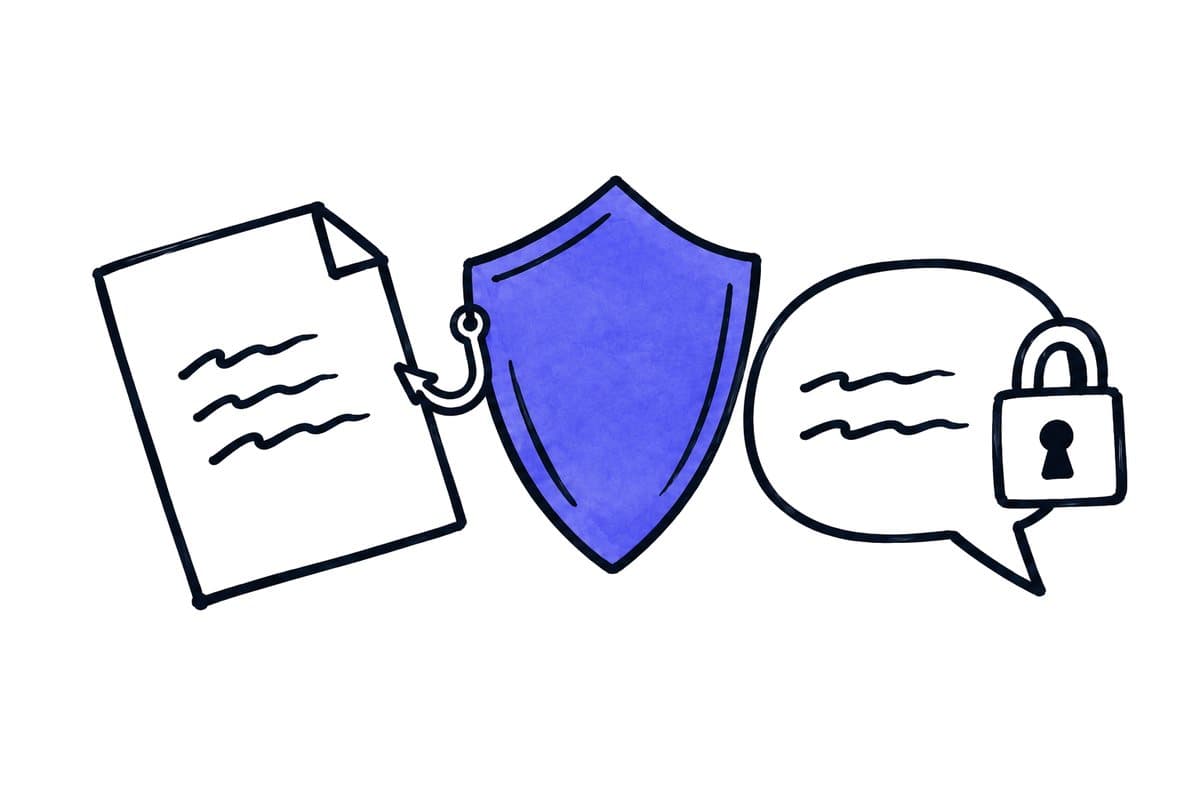
- Content that the AI reads, such as emails, websites or files, can contain instructions that try to steer it. Permissions and approval steps protect you; telling the AI to be careful does not.
- Start with read access, use the narrowest credentials that work, and put an approval step before every action that sends, changes or deletes.
01 / 08
What is MCP, and who is behind it?
The Model Context Protocol is an open standard that defines how an AI application talks to external tools and data sources. Anthropic published it first. On 9 December 2025 Anthropic donated MCP to the Agentic AI Foundation, a directed fund under the Linux Foundation that was co-founded by Anthropic, Block and OpenAI. The specification is published openly; this article refers to the specification revision of 28 July 2026.
Several vendors support MCP in their products. OpenAI's Responses API supports remote MCP servers, Claude supports remote MCP connectors, and Microsoft Copilot Studio supports MCP tools and resources. Support differs between products: Copilot Studio, for example, supports tools and resources and requires generative orchestration to be switched on. Before you plan a connection, check what your specific application supports.
02 / 08
How do host, client and server work together?
The MCP architecture has three roles. In business terms:
| Role | What it is | Example in a company |
|---|---|---|
| Host | The AI application your team uses. It creates and manages the clients. | A company workspace in Claude, a Copilot Studio agent, an automation in n8n |
| Client | The part of the host that talks to exactly one server | One connection inside that application |
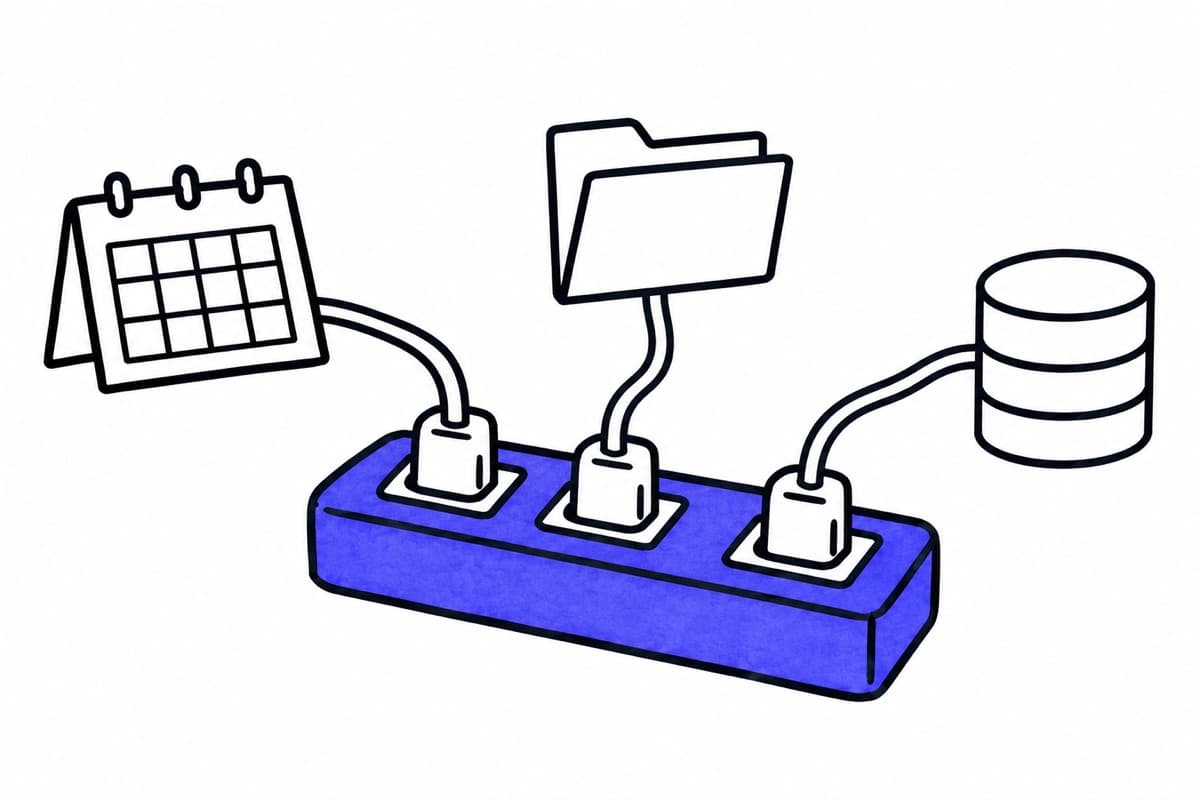
| Server | The adapter that exposes resources, tools and prompts of one system | A server for the calendar, one for the CRM, one for the file store |
| Destination | The system behind the server | Your calendar, your CRM, your documents |
Each client communicates with exactly one server. A host with three connections therefore runs three clients, each tied to its own server. The current specification describes MCP as a stateless protocol.
A server can offer three kinds of capabilities: resources (data the AI may read), tools (actions the AI may call) and prompts (prepared instructions). For permissions, tools matter most, because tools can change things.
03 / 08
What may an MCP server do, and who decides?
What an AI can do through MCP depends on four things, none of which the protocol decides for you:
- The server you choose. It defines which tools exist. A calendar server may offer "read events" only, or also "create event" and "delete event".
- The credentials behind it. The server acts with the account and scopes it was given. A server with an administrator token can do whatever that administrator can do.
- The host's controls. Some hosts can require approval before a tool is called. OpenAI recommends to "always require approval for sensitive actions". This is a setting of the host, not a property of MCP.
- The destination system. Its own permission model still applies to the account the server uses.
Two points are often misunderstood. First, authorization is optional in the MCP specification. For connections over HTTP the specification describes authorization based on OAuth 2.1 (a draft standard); servers connected over stdio take their credentials from their environment. A product that "supports MCP" has therefore not promised any particular authentication. Second, tools can carry annotations such as "read-only", but the specification states that clients must treat these annotations as untrusted unless they come from trusted servers. A label is not a permission.
04 / 08
Which risks are specific to AI with access?
The most important risk is indirect prompt injection. The OWASP Top 10 for LLM applications describes it as instructions that reach the model through external content such as websites or files. An email that the AI reads can contain a sentence written to make it forward data or call a tool. Read access alone is enough for this attack to reach the model; whether it does damage depends on what the AI may do next.
The second risk is what OWASP calls excessive agency: an AI that has more permissions, functions or autonomy than its task needs. OWASP names two separate controls: credentials with read-only scope, and a person who reviews and sends every drafted message. Both are needed, because one limits what is possible and the other limits what happens.
Our article on prompt injection in RAG systems explains the attack in more detail.
Got a workflow like this?
Tell me about it. Honest take and a rough price, usually within a day.
05 / 08
Which rules should a company set before connecting a server?
| Rule | Why | How to check it |
|---|---|---|
| Read before write | Most first tasks only need to read. Writing tools can wait until the reading part works. | List the tools the server offers. Remove or disable writing tools you do not need. |
| Narrowest credentials | The server can only do what its account can do. | Use a dedicated account or token with the smallest scope. Never use a personal administrator login. |
| Approval for actions | Sending, changing and deleting should wait for a person. | Set approval in the host for every tool that changes data. Test that a declined approval stops the action. |
| Trusted servers only | Annotations and behaviour are only as reliable as the server. | Prefer official servers hosted by the provider of the system. Review community servers before use. |
| Per-user access where possible | A shared credential gives everyone the shared account's access. | Check whether the connector uses per-user sign-in or a shared key. Claude's documentation notes that shared credentials grant the shared account's access. |
| Log what is shared | You need to know which data left which system. | Turn on logging in host and server. OpenAI recommends to log and review data being shared. |
| Revocation tested | Access must end when the connection is removed. | Disconnect the server and check that further calls fail. |
These rules apply whether the AI runs in a chat application or in an automated workflow. Our articles on approval steps and credentials and access in n8n cover the workflow side.
06 / 08
Where does the connection actually run?
For remote MCP servers, the network connection does not always start on the employee's computer. For Claude's remote connectors, Anthropic's documentation states that connections are made from Anthropic's cloud infrastructure. That matters for two reasons: a server that is only reachable inside your company network may not be reachable this way, and data passes through the host provider's infrastructure. Check the processing location and retention of both the host and the server before you connect systems with personal data.
07 / 08
How does a first connection look in practice?
A safe first test uses a server that touches no company data. n8n publishes a documentation search server at https://docs.n8n.io/~gitbook/mcp that searches the public n8n documentation only, over HTTP. The steps below follow Anthropic's documented path for Claude Team workspaces; check them against your version before you rely on them.
- Owner adds the connector. In Claude, the workspace owner opens Organization settings, then Connectors, and adds a custom connector with a name and the server address. Follow the authentication the server actually requires.
- Member connects. Each member opens Customize, then Connectors, connects, and enables the connector in a conversation.
- Test the scope. Ask a question about the documentation, for example how n8n handles human review of tool calls. Check which tool was called and that the answer links to the documentation page it used.
- Check the tool list. Confirm that the server offers only the search capability you expected.
- Test revocation. Disconnect the connector and confirm that further questions no longer reach the server.
This test shows how hosts and servers work together. It does not show that a server for your CRM or calendar is safe; each of those needs its own check of credentials, tools, approval and logging.
08 / 08
When is MCP the right choice, and when not?
MCP is useful when an AI application needs flexible access to several systems and the host supports the controls you need. For a fixed sequence of steps, such as "read every new invoice and fill five fields", a classic automation with a defined interface is often simpler to test and monitor. Our article on AI agents, automations and chatbots explains the difference.
Every system we build that sends anything to a customer or acts on client data includes a human sign-off step by default. For an MCP connection we recommend starting with read access and a dedicated account. If you want to assess a specific system, our AI agents page describes how a first project starts.