Key takeaways
- ChatGPT Business and Claude Team Standard both cost USD 20 per user per month with annual billing; Google Workspace includes Gemini from USD 7 per user per month (as of October 2026, US prices without tax).
- None of the three trains its models on business customer content by default. That says nothing about where data is stored or who may access it.
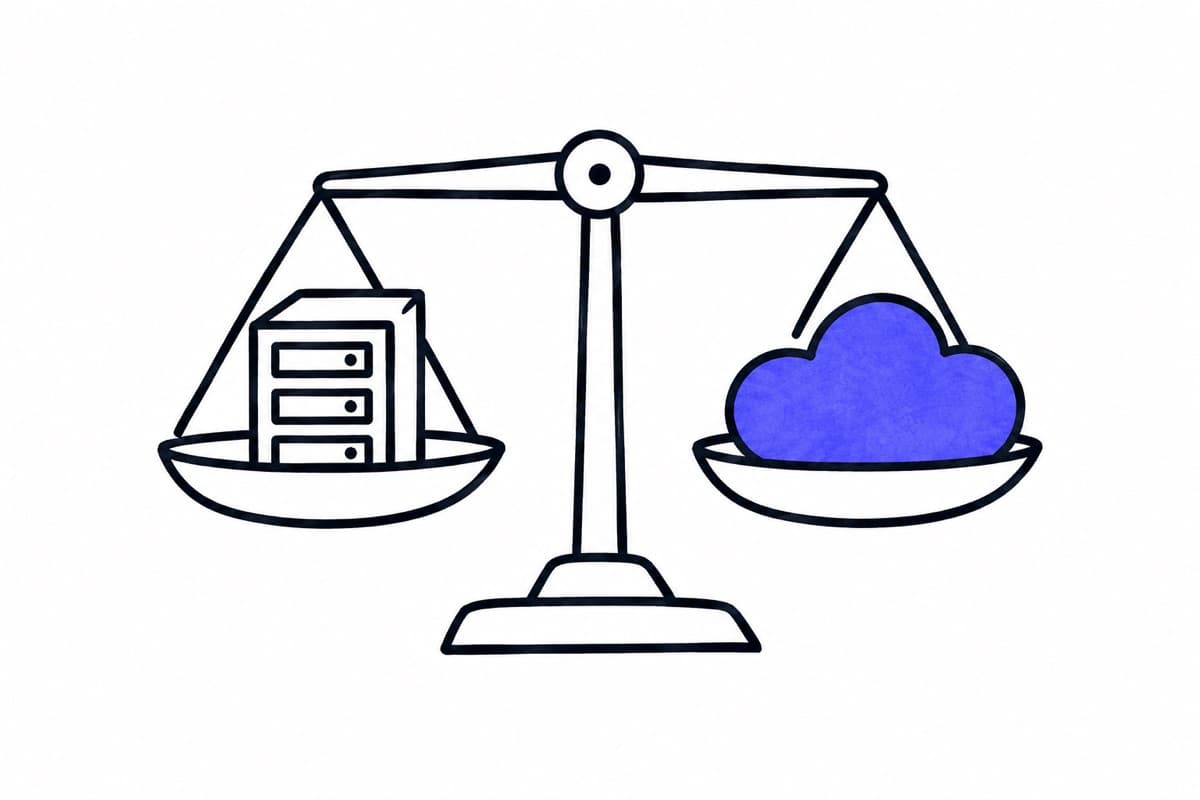
- Data location differs: ChatGPT offers European data residency for eligible Enterprise customers, Claude stores data in the US, and Google Workspace can keep covered data at rest in the EU from Business Standard.
- Compare quality with your own test cases. Public rankings and vendor claims do not tell you how a model handles your documents.
01 / 06
What do the business plans cost?
All prices are public US reference prices per user and month, as of 4 October 2026, without tax. Local prices in euros or Swiss francs, VAT and reseller terms can differ; check them at checkout.
| Plan | Price per user and month | Seats |
|---|---|---|
| ChatGPT Business Standard | USD 20 billed annually, USD 25 billed monthly | at least 2, at most 200 for new subscriptions |
| ChatGPT Business Premium | USD 100 billed annually, USD 125 billed monthly | as above |
| ChatGPT Enterprise | custom pricing | by contract |
| Claude Team Standard | USD 20 billed annually, USD 25 billed monthly | 2 to 150 |
| Claude Team Premium | USD 100 billed annually, USD 125 billed monthly | 2 to 150 |
| Claude Enterprise | USD 20 per seat with annual commitment, plus usage at API rates | at least 20 |
| Google Workspace Business Starter | USD 7 on an annual or fixed-term plan, USD 8.40 flexible | up to 300 |
| Google Workspace Business Standard | USD 14 fixed-term, USD 16.80 flexible | up to 300 |
| Google Workspace Business Plus | USD 22 fixed-term, USD 26.40 flexible | up to 300 |
A few details change the real cost. ChatGPT Team was renamed ChatGPT Business on 29 August 2025, and a ChatGPT Business subscription does not include API usage. Claude Enterprise charges usage on top of the seat fee; at the minimum of 20 seats, the seat fees alone are USD 400 a month before usage and tax. For Google, the scope of Gemini depends on the edition: according to the Workspace pricing page, Business Starter includes Gemini in Gmail, while Business Standard extends it to Docs, Meet and more. Verify the scope of the edition you buy. If your company already pays for Workspace, the relevant cost is the difference to the edition you need, not the full price.
02 / 06
How do administration and control compare?
| Plan | Administration and control |
|---|---|
| ChatGPT Business | SAML single sign-on and central administration; no SCIM user provisioning in OpenAI's published comparison |
| ChatGPT Enterprise | Adds user provisioning and more detailed controls |
| Claude Team | Single sign-on, central billing and access management, spend controls |
| Claude Enterprise | Adds SCIM provisioning, audit logs, a Compliance API and custom data retention |
| Google Workspace | Accounts managed in the Workspace admin console; Gemini audit logs are available to Workspace admins |
Choose sign-in, audit and retention controls by the data and obligations involved, not by team size. Automatic user provisioning, audit logs and retention controls matter more as the number of users and the regulatory pressure grow.
03 / 06
How may your data be used?
All three vendors commit not to use business customer content for training by default:
- OpenAI states for business plans: "We do not train our models on your data by default". An explicit opt-in remains possible.
- Anthropic lists "No model training on your content by default" for Claude Team and Enterprise.
- Google states for Workspace that your content is not used for Gemini model training outside your domain without permission.
These commitments answer one question: training. They do not answer how long data is stored, whether people at the provider may access it in certain cases, which subprocessors are involved, or whether your use complies with the GDPR. Those answers are in each vendor's data processing agreement and settings, which you should check for the plan you buy. Our article on ChatGPT in companies and the GDPR goes through these points for ChatGPT in detail.
Got a workflow like this?
Tell me about it. Honest take and a rough price, usually within a day.
04 / 06
Where is your data stored and processed?
This is where the three differ most:
| Vendor | What the published sources say (as of October 2026) |
|---|---|
| ChatGPT | Data residency is available to eligible new ChatGPT Enterprise and Edu customers, not to Business. "Europe" means the EEA plus Switzerland. Storage at rest and eligible inference are separate commitments; some non-GPU processing and external integrations are not confined to the region. |
| Claude | Anthropic's privacy page states that data is stored in the US, and that traffic may be routed through the US, Europe, Asia and Australia. The published regional setting for Enterprise is US-only inference, not an EU-only option. |
| Google Workspace | From Business Standard, an organisation can set a data region policy for covered data at rest, including the EU. Regional processing policies are part of Enterprise Plus, not of the Business editions. Covered data varies by edition; logs and cached content are excluded. |
"Europe" does not mean the same everywhere: for OpenAI it covers the EEA plus Switzerland, while Google's option labelled Europe means the European Union.
Chat subscriptions are not the only way to use these models. For automated workflows we work with models through AWS Bedrock and Azure OpenAI in EU regions, under a data processing agreement. That is an API contract with its own terms and its own processing locations, which you check separately; availability of a model through a cloud provider does not change the terms of the vendor's chat product.
05 / 06
Which one writes better?
There is no general answer, and we do not publish a ranking. Models change every few months, and differences show up in your language, your document types and your rules rather than in general tests. Choose two candidates based on price, administration and data location, then test them on twenty or more of your own cases with the method from our article on your own AI benchmark: expected results written in advance, several runs per case, blind scoring and critical failures counted separately. Record the plan, the visible model and the date with every result, because a chat product's model can change without notice.
Two practical points: keep results from chat products and from API models apart, because the same model can behave differently with different tools and settings. And if your team already works in Google Workspace or Microsoft 365, test the assistant inside that environment, since integration with mail and documents often matters more than small quality differences. For Microsoft's offering, see our comparison of Microsoft 365 Copilot and a RAG assistant.
06 / 06
How do you decide?
- Data rules first. If client data must stay in the EU, check the residency options of each plan and your contract before anything else. For some tasks this excludes options; for others an API workflow in an EU region is the better route.
- Existing licences second. If you already pay for Google Workspace or Microsoft 365, start with the assistant you have and compare the cost of the upgrade with a separate subscription.
- Administration third. Single sign-on and central billing for small teams; provisioning, audit logs and retention controls as you grow.
- Quality last, but measured. Test the remaining candidates on your own cases before you buy seats for everyone.
If you want help with the test or with an API workflow in an EU region, our page on choosing AI models describes how we run it as part of a trial run.