Case study · Tax advisory, Vienna

The AI sorts the inbox. The firm approves.

Statzinger Steuerberatung works fully digitally, and the work arrives through the inbox. That is where AI has taken over the recurring work since 2026: it sorts incoming client emails and writes reply drafts at the press of a button, right inside Outlook, BMD and the firm's CRM. The firm always decides and sends. Around it, master data, onboarding and access sync automatically, with no retyping.

Client
Statzinger Steuerberatungs GmbH, Vienna
Sector
Online tax advisory for business owners
Since
June 2026, in stages
Connected
BMD, CRM, Outlook, OneDrive, Teams, learning platform, community
0
emails the AI may send on its own
7
existing systems, none replaced
daily
shareholder sync from BMD
every 5 min
onboarding stages kept current in the CRM

Starting point

Good software, but every system on its own

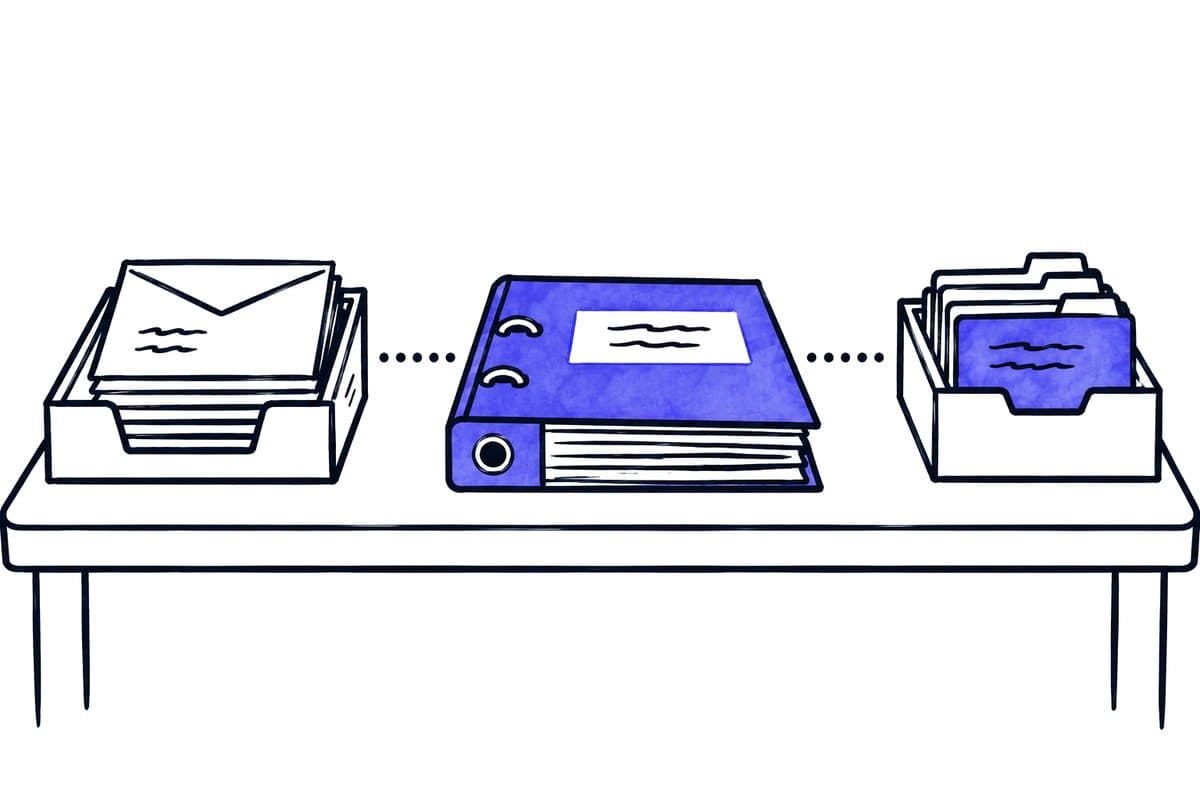
The firm uses standard tools that work well on their own: BMD for accounting and client master data, a CRM for sales and onboarding, Microsoft 365 for mail, storage and Teams, plus a learning platform and a community for its clients.

Between these systems there were gaps: companies and shareholders were linked by hand, engagement folders came from a Zapier connection, and access and onboarding steps depended on manual steps. Each such hand-off takes time and is a place where something can get lost.

Approach

In stages, with clear rules on who decides what

  1. 1

    Understand first

    An inventory of processes and systems. Every stage has a fixed scope, and after each stage we adjust openly.

  2. 2

    Rules stay with the firm

    What may run automatically, which categories apply and which texts are used is decided by Philipp Statzinger. We implement it.

  3. 3

    Test before it counts

    Every workflow needs explicit approval before it becomes active. Where errors would be costly, such as the inbox, it first runs in observation only.

  4. 4

    Written down

    An operating model describes who reviews errors, who approves changes and who responds to incidents.

The AI in the inbox

What the AI handles and how it was accepted

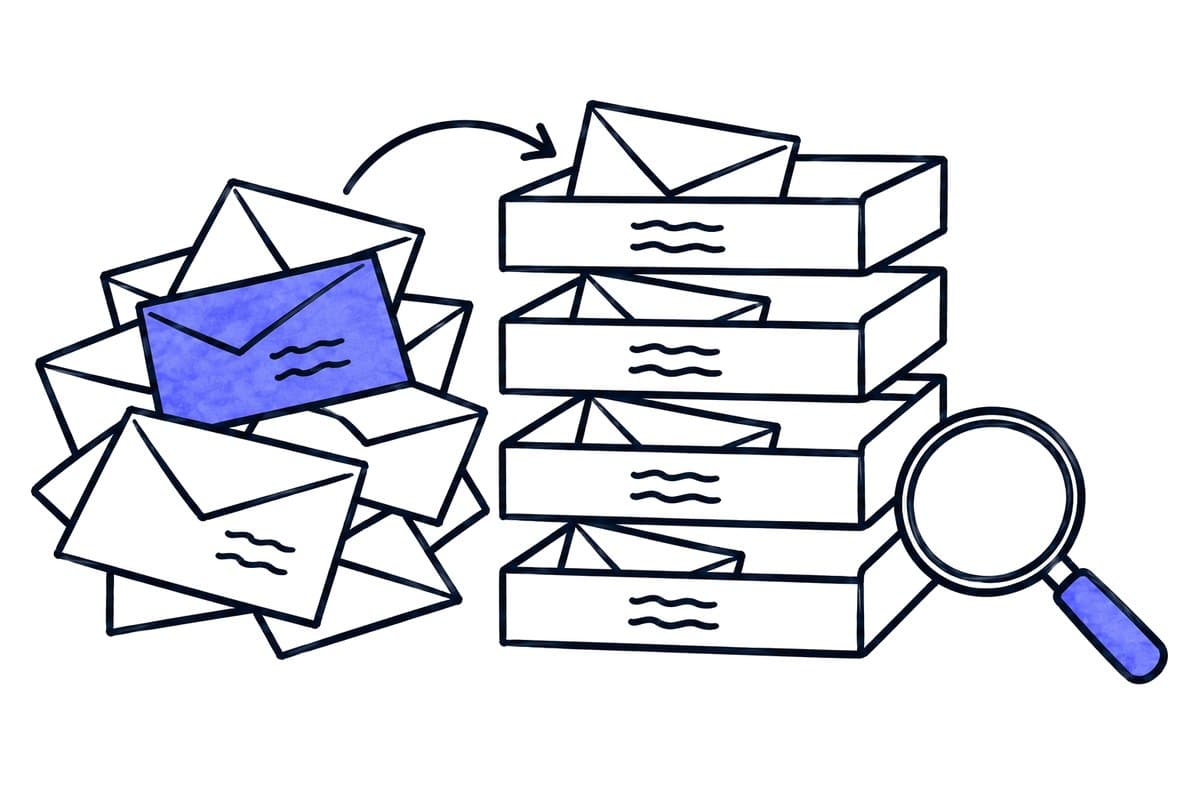
The email triage sorts incoming mail into the firm's working categories, such as receipts and bookkeeping, fees, tax office and deadlines, tax questions or questions for the tax adviser. It first ran in observation mode and was released for daily work only after a strict acceptance test.

The basis was a set of written acceptance criteria. For a tax firm, a hit rate alone says little, because errors cost very different amounts. So each type of error had its own threshold:

ErrorConsequenceThreshold
A deadline is missedLiabilityzero tolerance
A mail is assigned to the wrong clientBreach of confidentialityzero tolerance
A tax question is misclassifiedDelay, reworkat most 1 in 20
A clear mail lands under “unclear”Manual workup to 1 in 5 is acceptable

The test used a set of at least 150 real emails from a full working week, labelled by Philipp Statzinger himself. Part of the set stayed unseen until the acceptance test, so that we did not tune and measure on the same examples.

When in doubt, the system errs on the cheap side: rather “unclear” than a guessed deadline. And it cannot send any email itself. Reply drafts are created only at the press of a button in the mailbox, and the firm always does the sending.

Around the inbox

No more retyping between systems

All four are live and handle real cases at the firm.

  1. Live

    BMD and the CRM stay in sync

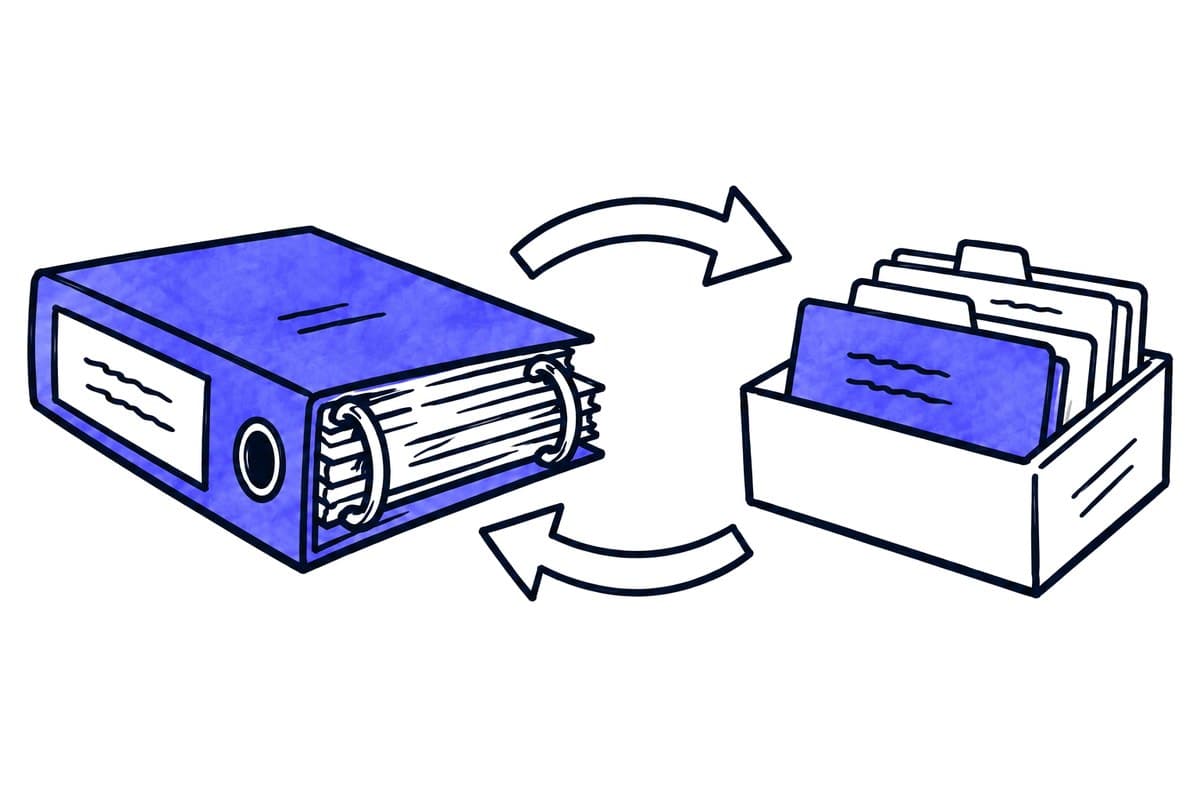
    Master data of new engagements goes from the CRM into BMD, and confirmed fields come back from BMD. BMD is the source for who belongs to which company: the shareholder export is matched against the CRM every day, and missing links are added.

  2. Live

    Onboarding sets itself up

    A new engagement creates the onboarding tasks in the CRM. Connected events, such as a signed SEPA mandate, tick off the matching task. Onboarding stages are synced every five minutes.

  3. Live

    Access follows the engagement

    Learning-platform access is created with the engagement and deactivated when it ends, both proven on real cases. Language, product and status in the community follow the engagement too. Manual blocks always take precedence, and new clients without a reviewed match are held back.

  4. Live

    Folders and reports

    Every new engagement gets its internal folder automatically, no longer via Zapier. A summary report in Microsoft Teams announces every on- and offboarding.

Data protection and operation

Built for a firm bound by professional secrecy

AI models in the EU

The language models run through an EU profile with data centres in the EU. That the provider does not store requests is technically enforced.

No right to send

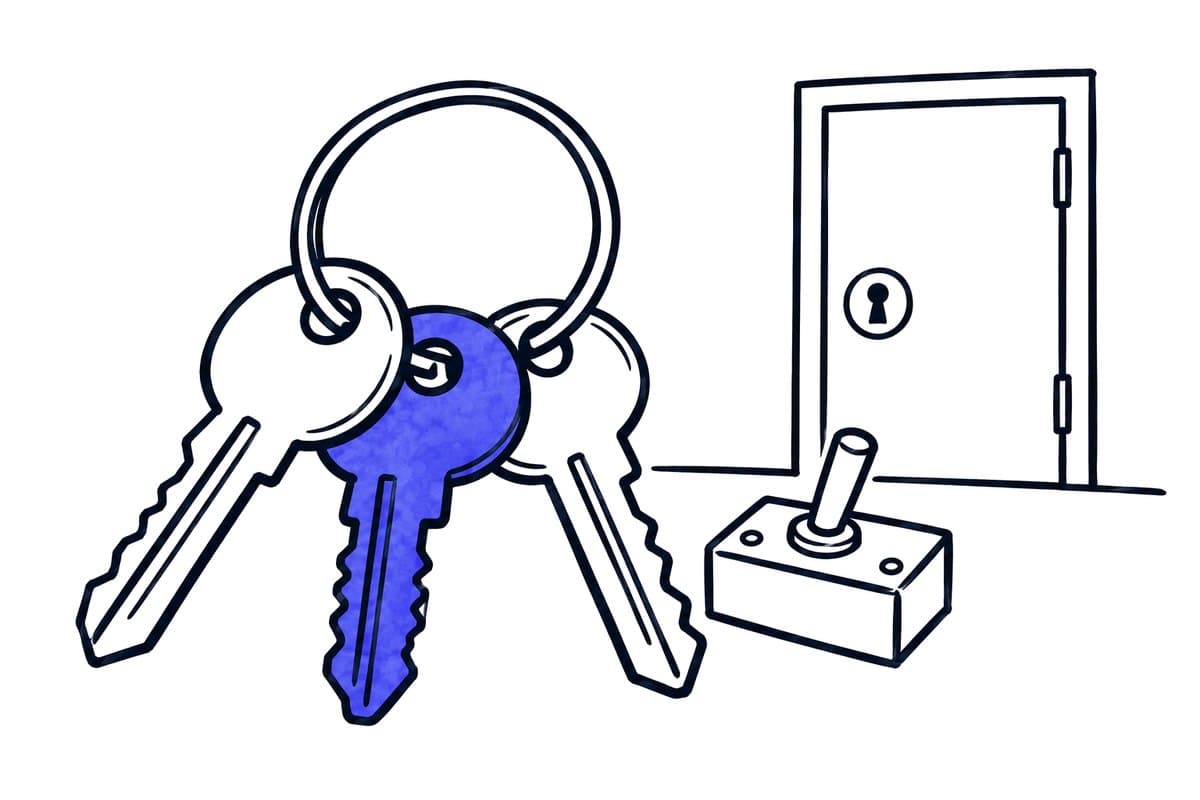
The Outlook connection explicitly does not have the right to send emails.

Own server in Germany

The automation platform runs on a hardened server in Germany, backed up to a second location. A restore was tested in isolation.

Clear responsibilities

A written operating model describes who reviews errors, who approves rules and who responds to incidents.

Philipp Statzinger
“We run a fully digital tax firm, so the inbox is where the work arrives. The audit showed us which two automation ideas to drop and which one to build first: sorting incoming client mail.”
Philipp Statzinger · Tax advisor & founder, Statzinger Steuerberatung

Where does recurring office work cost your team the most time?

In 30 minutes we look at which work the AI could take over first for you, right inside your existing software. If AI is not the right tool, we tell you.

As of 3 October 2026, based on the project records of 2 October 2026. Names of the firm's clients, prices, other staff and internal incidents are deliberately not mentioned.